June 11, 2026
How to Rank a Home Service Business on Google in 2026 | Rafeeq Daha
A practical SEO guide for HVAC, roofing, and plumbing companies. Learn the exact steps to rank higher on Google in 2026 — from Google Business Profile to on-page SEO to review generation. No jargon, just what works.
RAfeeq DAha
Why Your Service Business Website Gets Traffic But No Leads

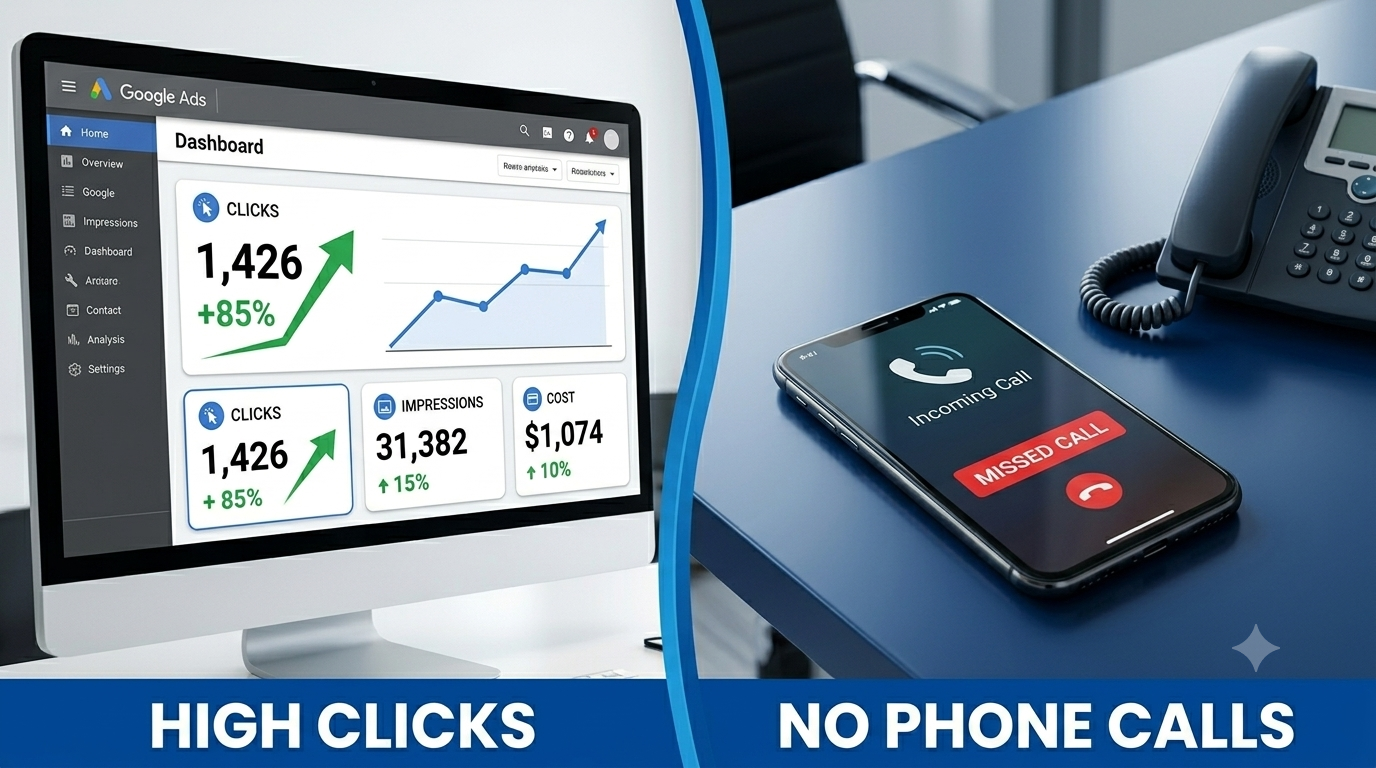
You check Google Analytics and the numbers look reasonable. A few hundred visitors a month. Steady traffic. Your SEO seems to be working. But the phone is not ringing the way it should be, and the contact form is quiet.
This is one of the most common frustrations I hear from HVAC, roofing, and plumbing company owners: the traffic is there, but the leads are not.
Here is the hard truth: traffic and leads are not the same thing. A website can attract hundreds of visitors per month and generate almost zero inquiries if the conversion experience is broken. And in most home service websites I audit, it is broken in predictable, fixable ways.
I have spent seven years auditing marketing setups for US service businesses, managing over $1.4 million in ad spend, and diagnosing exactly where leads go missing between 'someone visited your site' and 'someone called your business.' The seven issues below account for the vast majority of what I find.
Each one can be fixed without rebuilding your website from scratch.
Your HVAC or plumbing website is getting visitors — so why isn't the phone ringing? Here are the 7 specific reasons service business websites fail to convert traffic into booked calls, and exactly how to fix each one.
1. Your Website Is Loading Too Slowly on Mobile
This is the single most common issue I find, and it is also the one business owners are most surprised by.
Here is what happens: a homeowner searches 'HVAC repair near me' on their phone while standing in their kitchen with a broken air conditioner. They click on your website. It starts loading. After three seconds, they hit the back button and call the next result instead.
Google's own research shows that 53% of mobile users abandon a site that takes longer than three seconds to load. For service businesses, where the majority of searches happen on mobile during a moment of urgent need, this is catastrophic.
Most service business websites load in 5-8 seconds on mobile. That is not a traffic problem. That is a revenue problem.
How to diagnose it
Go to pagespeed.web.dev, enter your website URL, and select 'Mobile.' Your score should be 70 or above. Anything below 50 means you are losing a significant portion of visitors before they see your phone number.
The most common causes
- Images that have not been compressed — a single 4MB hero image can add 3 seconds of load time alone
- Too many third-party scripts loading on the page (chat widgets, tracking pixels, social embeds)
- Hosting that is too slow for your website's needs
What to do
Run every image on your site through squoosh.app before uploading — it is free and typically reduces image file size by 60-80% without any visible quality loss. Then run the PageSpeed test again and implement the top three fixes it recommends.
2. Your Phone Number Is Not Clickable on Mobile
This one takes five minutes to fix and is present on approximately half the service business websites I audit.
When a mobile user sees your phone number on your website, they expect to tap it and have their phone automatically dial. If your phone number is plain text instead of a clickable link, they have to manually type the number — and most of them will not bother.
In an industry where calls are the primary conversion event, this is a significant lead drain.
How to check
Open your website on your phone and tap your phone number. If nothing happens, it is not linked correctly.
The fix
Your phone number needs to be wrapped in what is called a 'tel link.' In Duda and most website builders, you can set this by editing the button or text link and selecting 'Phone' as the link type, then entering your number. If you have a developer, the code is: the phone number inside an anchor tag with href equals tel: followed by the number with no spaces.
Do this for every instance of your phone number on every page. Put a click-to-call button at the top of every page and at the bottom.
3. Your Homepage Has Too Many CTAs Competing Against Each Other
I see this pattern constantly on home service websites: a 'Get a Quote' button in the header, a 'Book Now' button in the hero, a 'Contact Us' link in the middle, a 'Learn More' button below that, and a 'Schedule a Free Estimate' button at the bottom.
Every additional call to action reduces the likelihood of a visitor taking any action at all. This is a documented psychological effect called decision fatigue — when we are presented with too many choices, we often choose none of them.
Your website has one job: get a potential customer to contact you. Everything on the page should point toward a single action.
What to do
Choose one primary CTA for your entire website and use it consistently. For most service businesses, this should be either 'Call Now' for immediate-need services like emergency plumbing, or 'Book a Free Estimate' for planned services like HVAC installation or roofing replacement.
Every other button on the page should either use this same CTA or be removed. The goal is clarity, not choice.
4. Your Contact Form Is Asking for Too Much Information
Every field you add to a contact form reduces the completion rate by approximately 10-15%. This is not a guess — it is a consistent finding from conversion rate optimisation research across thousands of forms.
I have audited service business contact forms that ask for: first name, last name, email, phone number, address, city, state, zip code, service needed, preferred date, preferred time, how they heard about us, and a message box. That is twelve fields. Most people abandon after the fourth.
What your form actually needs
• Name (one field, not first and last separately)
• Phone number (the primary conversion event — this is what you need)
• What service do you need (a dropdown with 4-5 options, not a text box)
• Preferred time to call (morning, afternoon, evening — three radio buttons)
That is four fields. Everything else can be gathered on the phone call. The goal of the form is to get contact information and a time to call — not to run a complete intake assessment.
Every field you remove that is not essential is a conversion you recover.
5. Your Traffic Is Not the Right Traffic
Sometimes the conversion problem is not on the website at all — it is in the quality of who is arriving at it.
If your Google Ads are running on broad match keywords without a robust negative keyword list, you are almost certainly paying to send irrelevant visitors to your website. Traffic from searches like 'HVAC repair jobs near me,' 'how to fix AC unit DIY,' or 'HVAC technician salary' will never convert — these people are not looking to hire you.
Similarly, if your SEO is ranking for informational keywords ('how does a heat pump work') rather than commercial keywords ('heat pump installation near me'), the visitors you attract are researchers, not buyers.
How to diagnose traffic quality
In Google Analytics 4, go to Reports, then Acquisition, then Traffic Acquisition. Look at your top traffic sources. Then check your bounce rate and average engagement time. If most visitors are spending under 20 seconds on your site, the traffic quality is the problem — not the website.
In Google Ads, open the Search Terms report (not the Keywords report — the Search Terms report). This shows the actual searches that triggered your ads. Filter for anything that is not a buyer-intent phrase. Add everything irrelevant to your negative keyword list immediately.
6. You Have No Tracking Set Up — So You Cannot See the Problem
This one is invisible until you look for it — and that is exactly the point.
If you do not have proper conversion tracking set up, you are making decisions about your website and marketing based on guesses rather than data. You do not know which pages visitors land on, how far they scroll, whether they click your phone number, or how many people start filling out your form and then abandon it halfway through.
In my experience, the majority of service business websites I audit have either no tracking at all, or tracking that is set up incorrectly. The most common mistake: Google Analytics is installed, but no conversion goals have been configured. This means the analytics shows traffic but tells you nothing about whether that traffic is valuable.
What you need as a minimum
• Google Analytics 4 installed and receiving data
• A conversion event configured for phone number clicks
• A conversion event configured for contact form submissions
• A conversion event configured for booking page visits
• Google Tag Manager managing all of the above
Once you have this in place, you can actually see where visitors are dropping off. You might discover that 80% of your visitors never scroll past the hero section. Or that your contact form has a 40% abandonment rate. Or that your phone clicks are all coming from one specific blog post. Every one of those insights tells you exactly what to fix.
7. There Is No Follow-Up System for Leads Who Do Not Convert Immediately
This last issue is not technically a website problem — but it is responsible for a significant percentage of lost revenue for service businesses.
Most homeowners who visit a service business website are not ready to book on their first visit. They might be comparing three companies. They might be getting a rough idea of cost before talking to a spouse. They might be researching for a job they plan to have done next month.
If you have no way to stay in front of these visitors after they leave your site, you are giving away a large portion of your potential customers to whoever they happen to think of when they are finally ready to book.
Two things to implement immediately
First, set up a Google retargeting campaign. This shows your ads to people who visited your website in the last 30 days as they browse other websites and YouTube. The cost per click for retargeting is dramatically lower than cold traffic because you are targeting a warm audience who already knows your name. A $10-15 per day budget is sufficient for most local service businesses.
Second, if you have a way to capture email addresses on your website — even a simple newsletter opt-in or a downloadable checklist — use it. Email is the most reliable way to stay in front of potential customers over a longer time horizon.
How Many of These Seven Issues Does Your Website Have?
Go through this list honestly. Most service business websites I audit have at least four of these seven issues, and many have all seven. The good news is that none of them requires rebuilding your website from scratch. Most can be fixed in a focused afternoon.
The improvements that tend to have the biggest and fastest impact are slow load speed (fix this first — it affects every other metric), non-clickable phone numbers (five minutes, significant impact), and overloaded contact forms (remove fields, watch conversion rates climb).
The one that tends to have the biggest long-term impact is tracking. Once you can actually see where visitors are dropping off, every other improvement becomes a data-driven decision rather than a guess.